Add threaded discussions, real-time collaborative chat, and automatic SSO to every Moodle course and page. Rich text, notifications, GDPR compliance - all in one lightweight plugin.
FastComments brings flexible commenting styles to Moodle - choose what fits each course.
Add nested, threaded discussions to any Moodle course. Students reply in context, instructors moderate with ease, and conversations stay organized even in large classes.
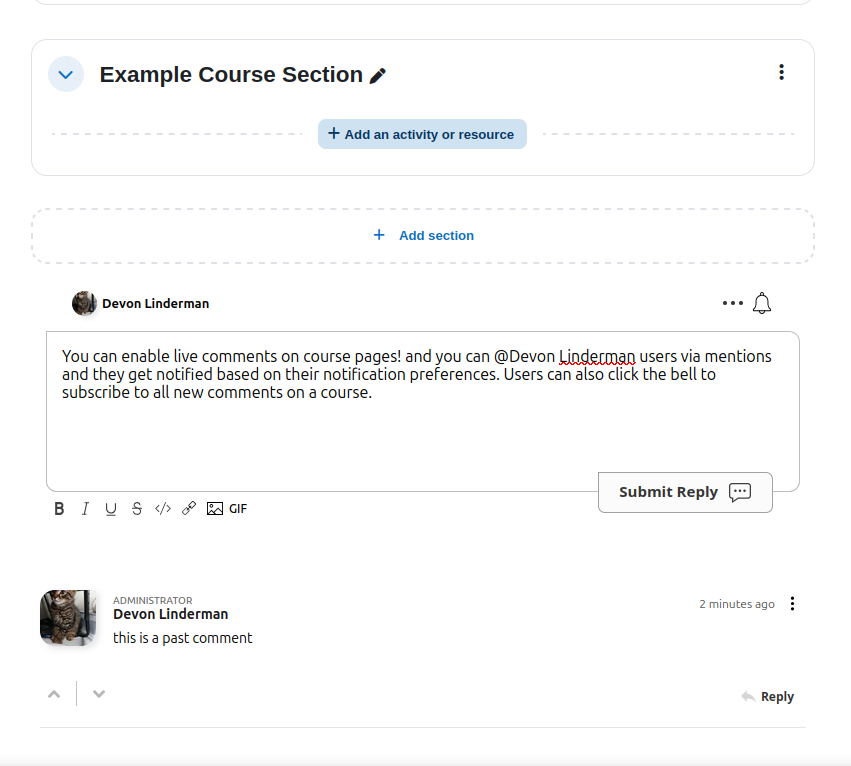
Enable live chat alongside course content for study groups, office hours, or peer collaboration. Messages appear instantly with online presence indicators.
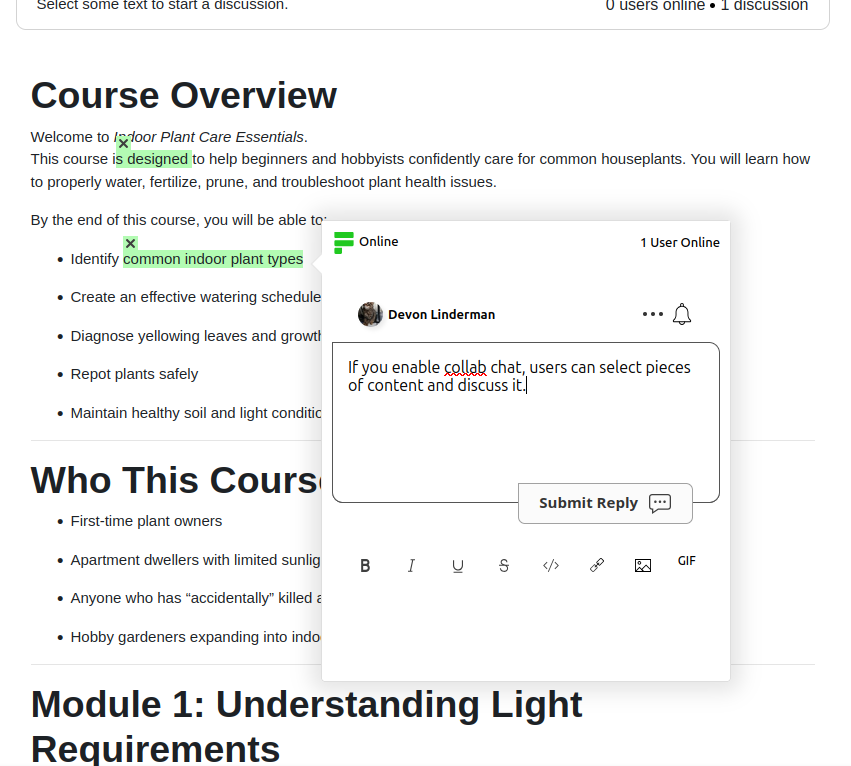
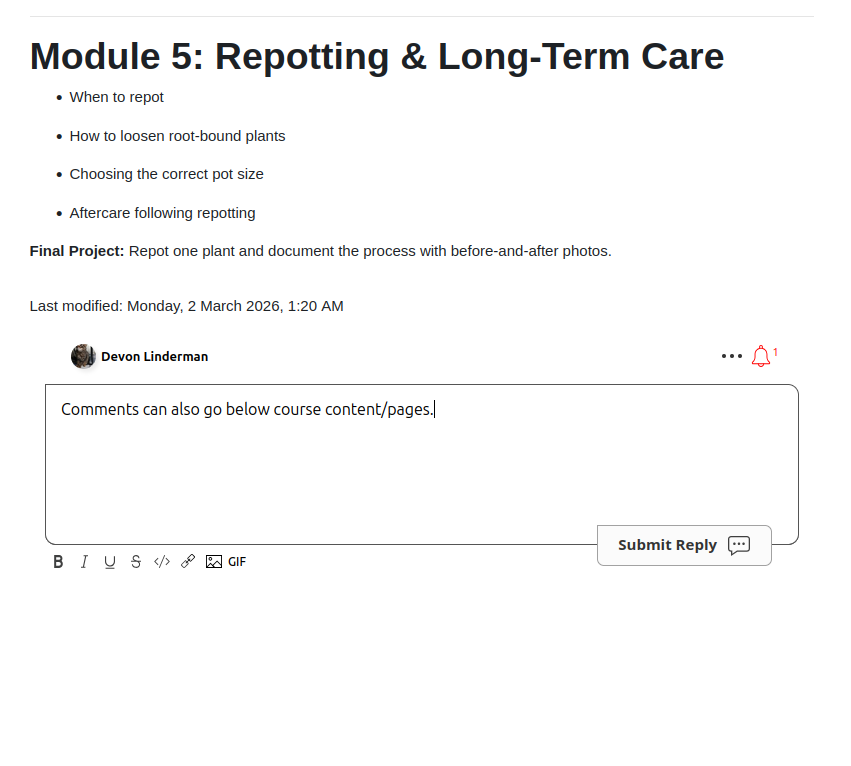
Attach comment threads to individual Moodle pages, resources, or activities. Students discuss specific content right where it lives.
Everything instructors and administrators need to run engaging, safe discussions.
Students are automatically signed in using their Moodle account. No separate registration, no password friction.
Tag classmates with @mentions and let students upvote the most helpful answers to surface quality content.
Full rich text with images, code blocks, links, and formatting. Markdown support for technically inclined users.
Email and in-app notifications keep students engaged. Configurable per-user so nobody gets overwhelmed.
See who is currently viewing and participating in a discussion in real time. Encourages active engagement.
EU-based CDN option ensures data stays in Europe. Full GDPR compliance with data export and deletion support.
Choose the authentication mode that fits your institution's security requirements.
Server-side HMAC token verification for maximum security.
Client-side SSO for quick setup without server configuration.
Let students create their own FastComments accounts independently.
Three steps to better Moodle discussions.
Download fastcomments-moodle from GitHub or install via the Moodle plugin directory.
Upload to your Moodle instance, enter your FastComments API key, and choose your SSO mode.
Comments and chat appear on courses and pages. Students are automatically signed in via Moodle SSO.
We've compiled answers to some of the most common questions to help you get started.!
Is there a free trial?
Yes. FastComments offers a 30-day free trial with full access to all features, including SSO, collaborative chat, and the rich text editor. No credit card required to start.
How does SSO work with student accounts?
When SSO is enabled, the plugin automatically creates a FastComments account for each student using their Moodle display name, email, and avatar. Students are signed in seamlessly without any extra registration. Their notification preferences are also propagated from Moodle, so students receive comment notifications based on their existing settings without needing to configure anything separately.
Which Moodle versions are supported?
The FastComments Moodle plugin supports Moodle 4.1 and above. It is built as a standard Moodle local plugin and follows Moodle's plugin API conventions.
Is FastComments GDPR compliant?
Yes. FastComments is fully GDPR compliant with an optional EU-based CDN that keeps all data within Europe. We support data export requests, right-to-deletion, and provide a Data Processing Agreement (DPA) on request.
What is collaborative chat?
Collaborative chat is a real-time messaging mode that can be enabled alongside or instead of threaded comments. It's ideal for live study sessions, office hours, or group activities where students need instant back-and-forth communication.
Can students control their notifications?
Yes. Students can manage their notification preferences individually, choosing to receive email notifications, in-app notifications, both, or neither. Administrators can also configure default notification settings.
Add threaded comments, collaborative chat, and SSO to your Moodle LMS in minutes.