Bring threaded discussions to your courses via the LTI 1.3 standard. Automatic SSO, no servers to host, GDPR compliant.
Threaded discussions that fit naturally into your course workflow.
Add nested, threaded discussions to any course. Students reply in context, instructors moderate with ease, and conversations stay organized even in large classes.
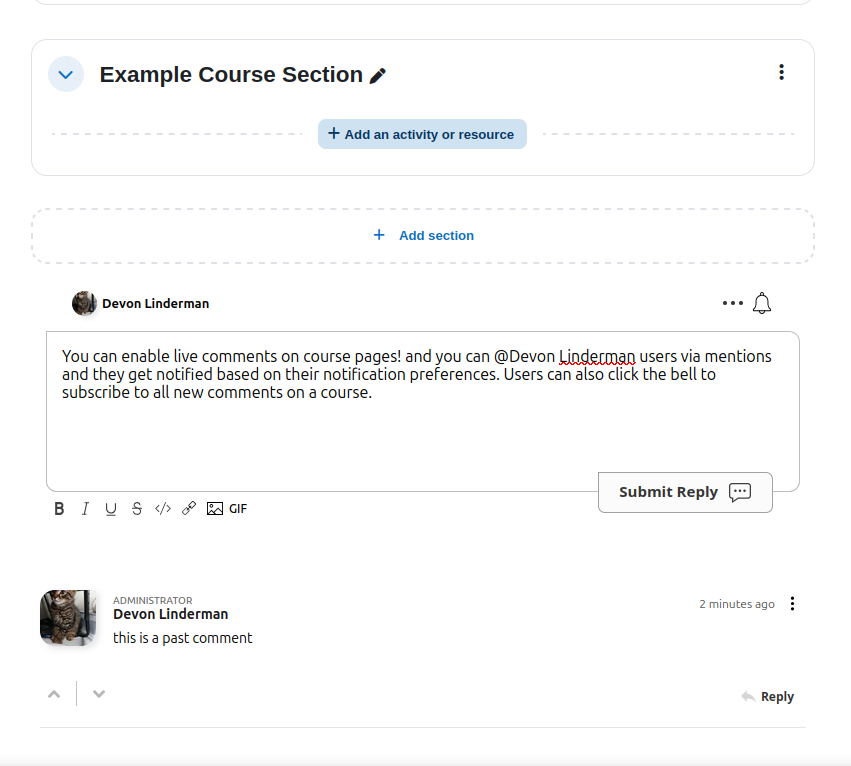
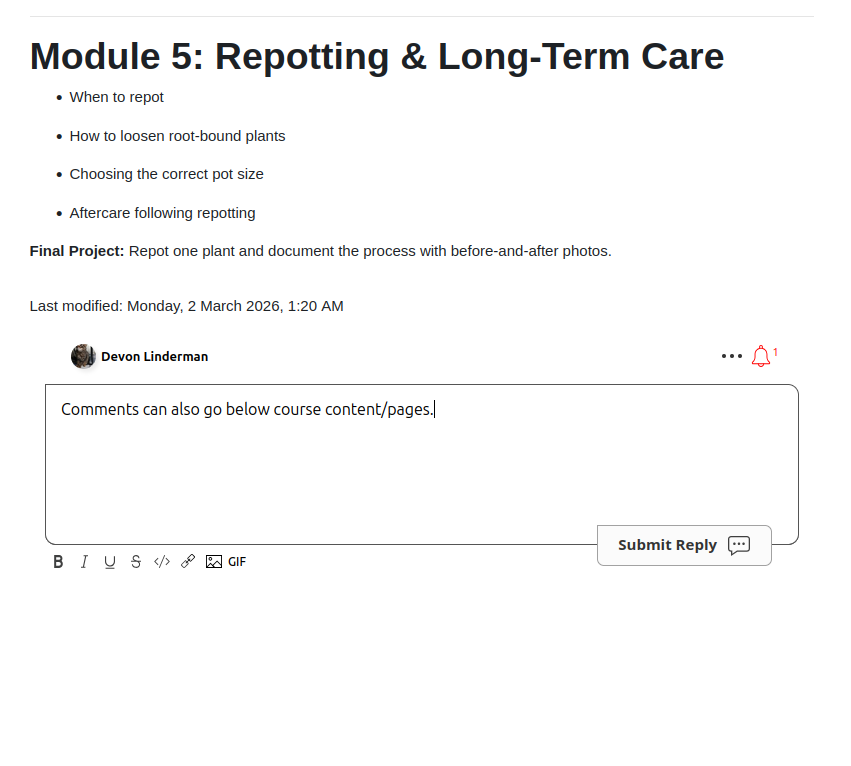
Attach comment threads to individual pages, assignments, or modules. Students discuss specific content right where it lives.
Everything instructors and administrators need to run engaging, safe discussions.
Students are automatically signed in via the LTI 1.3 launch. No separate registration, no password friction. Roles sync automatically.
Tag classmates with @mentions and let students upvote the most helpful answers to surface quality content.
Full rich text with images, code blocks, links, and formatting. Markdown support for technically inclined users.
Email and in-app notifications keep students engaged. Configurable per-user so nobody gets overwhelmed.
See who is currently viewing and participating in a discussion in real time. Encourages active engagement.
EU-based CDN option ensures data stays in Europe. Full GDPR compliance with data export and deletion support.
Any learning management system that supports LTI 1.3 works out of the box.
Full LTI 1.3 integration with automatic role mapping and Developer Key setup.
Native plugin available, plus LTI 1.3 support for Moodle 4.1 and above.
Register as an LTI 1.3 tool provider in Blackboard Learn Ultra.
Add FastComments as an external learning tool via LTI Advantage.
Install as an LTI 1.3 app from the Schoology App Center or manual setup.
Any platform supporting the LTI 1.3 standard can integrate with FastComments.
Three steps to better course discussions.
Enable LTI 1.3 in your FastComments dashboard and copy the configuration URL.
Add FastComments as an external tool in your LMS using the configuration URL. Paste the Client ID back.
Comments appear in your courses. Students are automatically signed in via LTI SSO.
We've compiled answers to some of the most common questions to help you get started.!
Is there a free trial?
Yes. FastComments offers a 30-day free trial with full access to all features, including LTI SSO and the rich text editor. No credit card required to start.
How does SSO work with LTI 1.3?
When a student launches FastComments from your LMS, the LTI 1.3 protocol securely passes their identity (name, email, avatar, and role) to FastComments. A corresponding account is created automatically. Students never need to register separately.
Do I need to host a server?
No. FastComments hosts all the LTI endpoints. You just configure your LMS to point to FastComments using the provided configuration URL. There is nothing to install or maintain on your servers.
Is FastComments GDPR compliant?
Yes. FastComments is fully GDPR compliant with an optional EU-based CDN that keeps all data within Europe. We support data export requests, right-to-deletion, and provide a Data Processing Agreement (DPA) on request.
How are LMS roles handled?
LMS roles are automatically mapped during the LTI launch: Administrators become FastComments Admins, Instructors become Moderators who can manage comments, and Learners are regular commenters. No manual role configuration needed.
Add threaded comments and automatic SSO to your LMS in minutes.